

The accessibility strategies category centers on creating a learning-centered online learning environment. Faculty participants acquire the knowledge and skills to design accessible and diverse content, promote equity among students, and ensure that all learners have equal access to educational resources and opportunities.
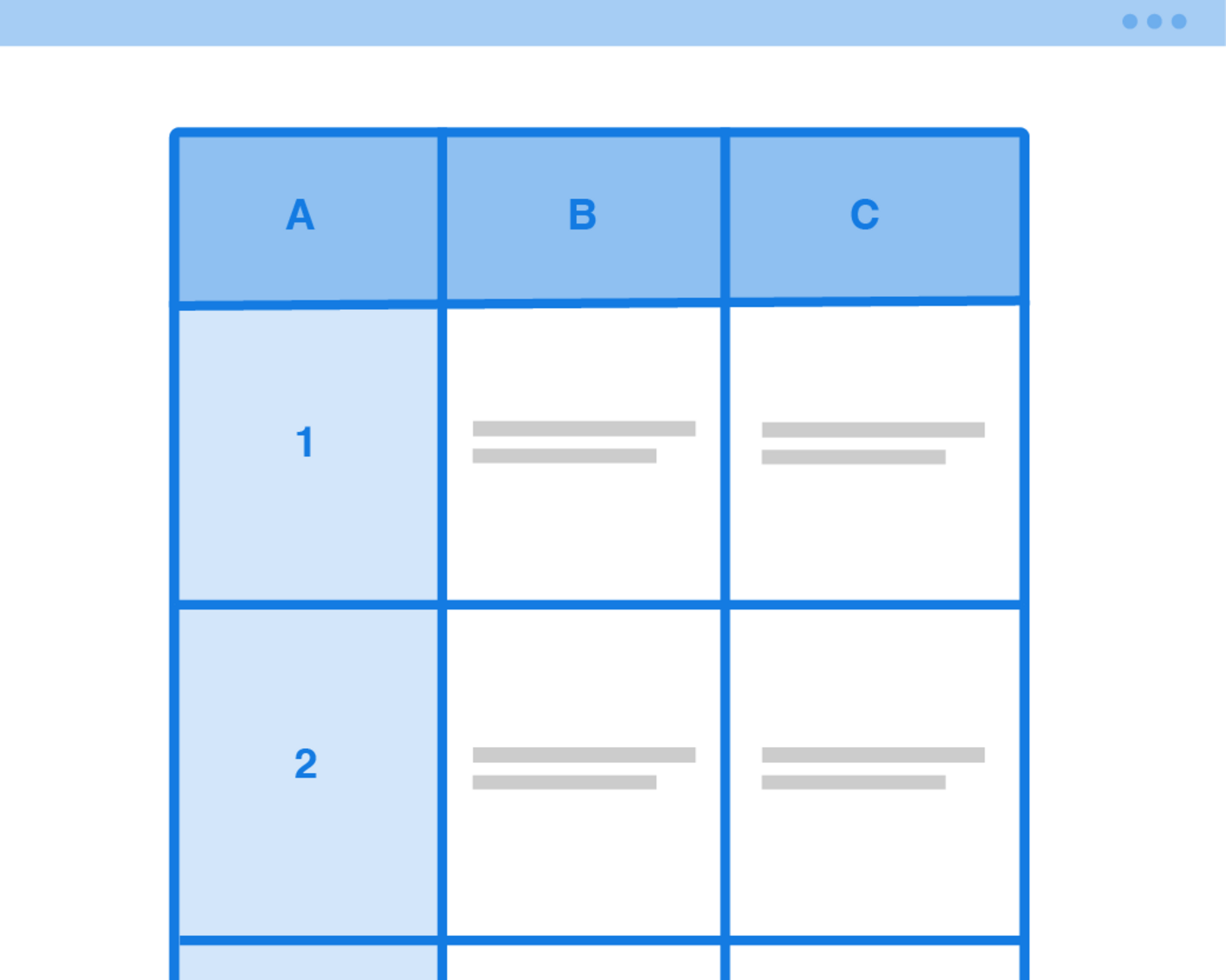
Accessibility skills: Tables
Tables convey information in a grid with meaningful rows and columns. Sighted users can easily scan a table and glean the necessary information, but more care needs to be taken...

Accessibility skills: Lists
Creating digitally accessible lists means not relying on formatting or typing to define a list within your document.

Accessibility skills: Captions and transcripts
Captions serve as subtitles for video content, transcribing the speech in the video so that users can know what is being said. They might also include descriptions of non-speech sounds...
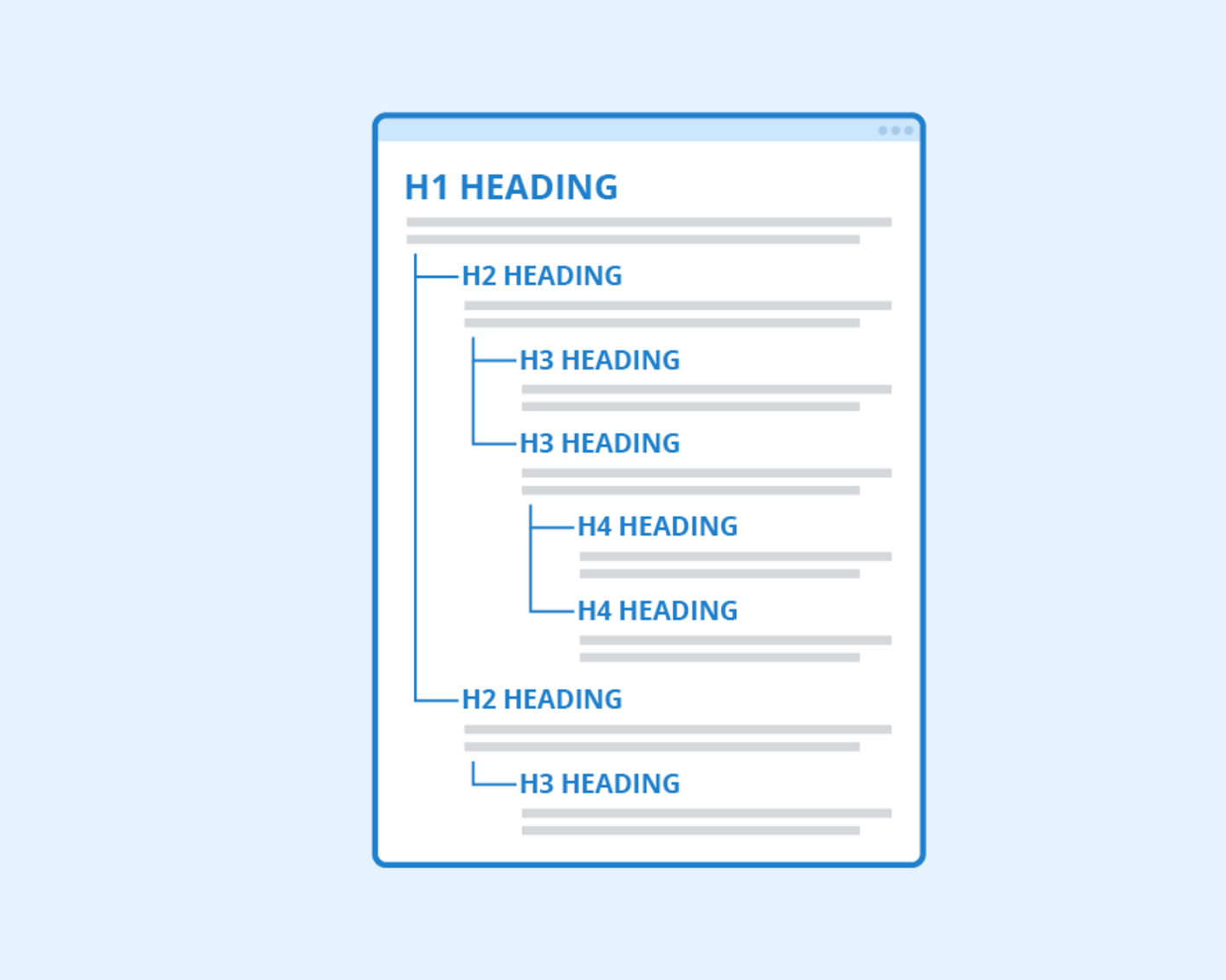
Accessibility skills: Headings
To provide an inclusive learning experience for all, Missouri Online recommends all faculty-created documents in the course (Word, PowerPoint, PDF, etc.) pass the accessibility checker built into each product. This...


Affordable & open educational resources
By including a variety of instructional materials and alternative means to access those materials, instructors meet the needs of diverse learners.


Universal design for learning (UDL)
Universal Design for Learning (UDL) is a framework for curriculum development that gives all students equal opportunities to learn.